Rebuilding the Startup Operating System with AI: Takeaways from SXSW 2026

Rebuilding the Startup Operating System with AI: Takeaways from SXSW 2026

Today’s founders must face the same reality that the fundamental principles of building a company — what to build, who to hire, how to sell — are being rewritten in real time. At the same time, the hype cycle is in full swing. AI wrappers are raising rounds on thin moats.
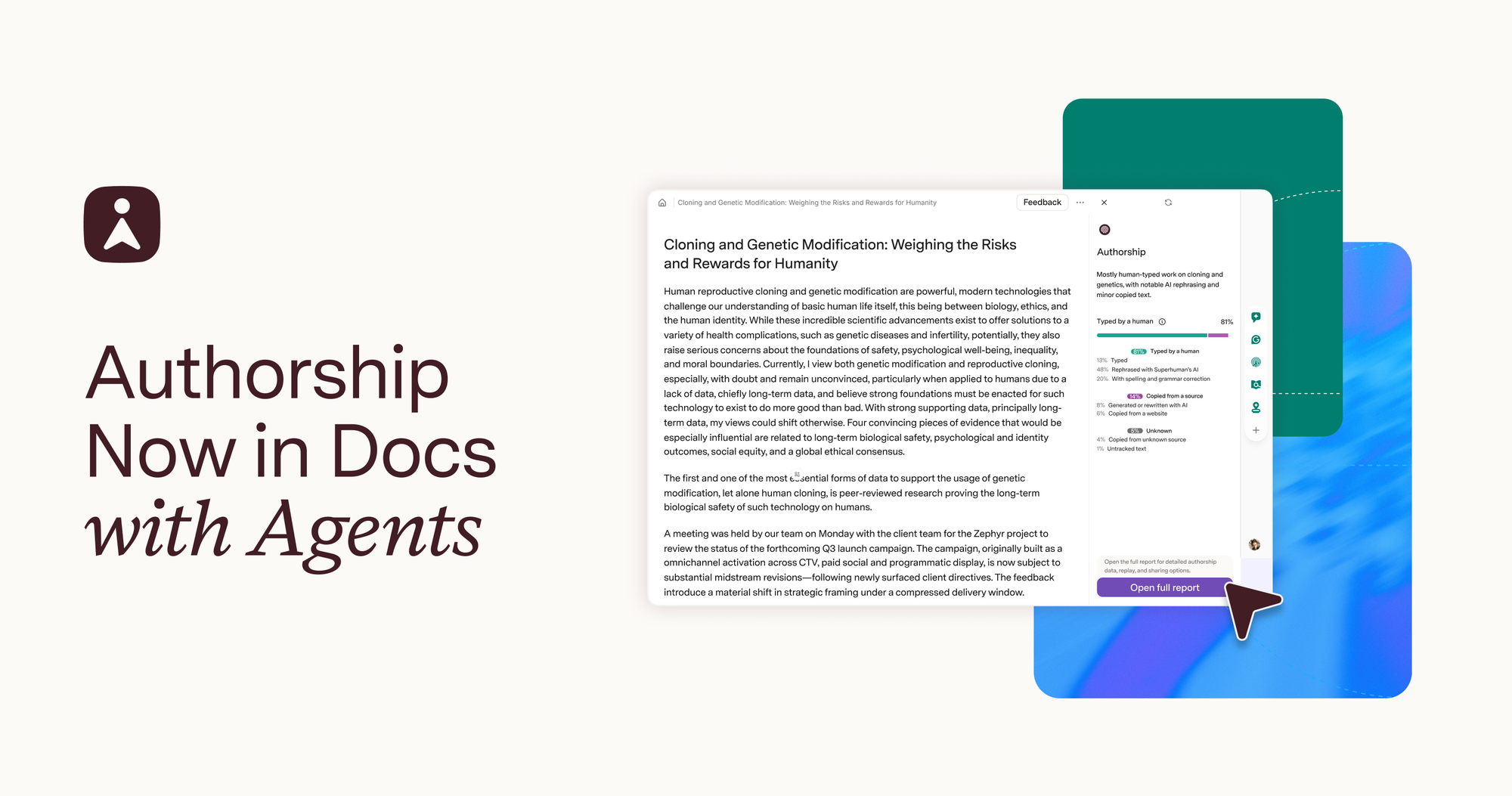
Authorship Launches in Docs with Agents, Creating More Transparency and Better Experiences

Authorship Launches in Docs with Agents, Creating More Transparency and Better Experiences

Nearly all students (92%) now report using AI in their academic work. This is up from 66% just one year ago. In many ways, this gives students hands-on experience with tools they’ll use in their future careers. In other ways, it accentuates questions for educators about how to preserve
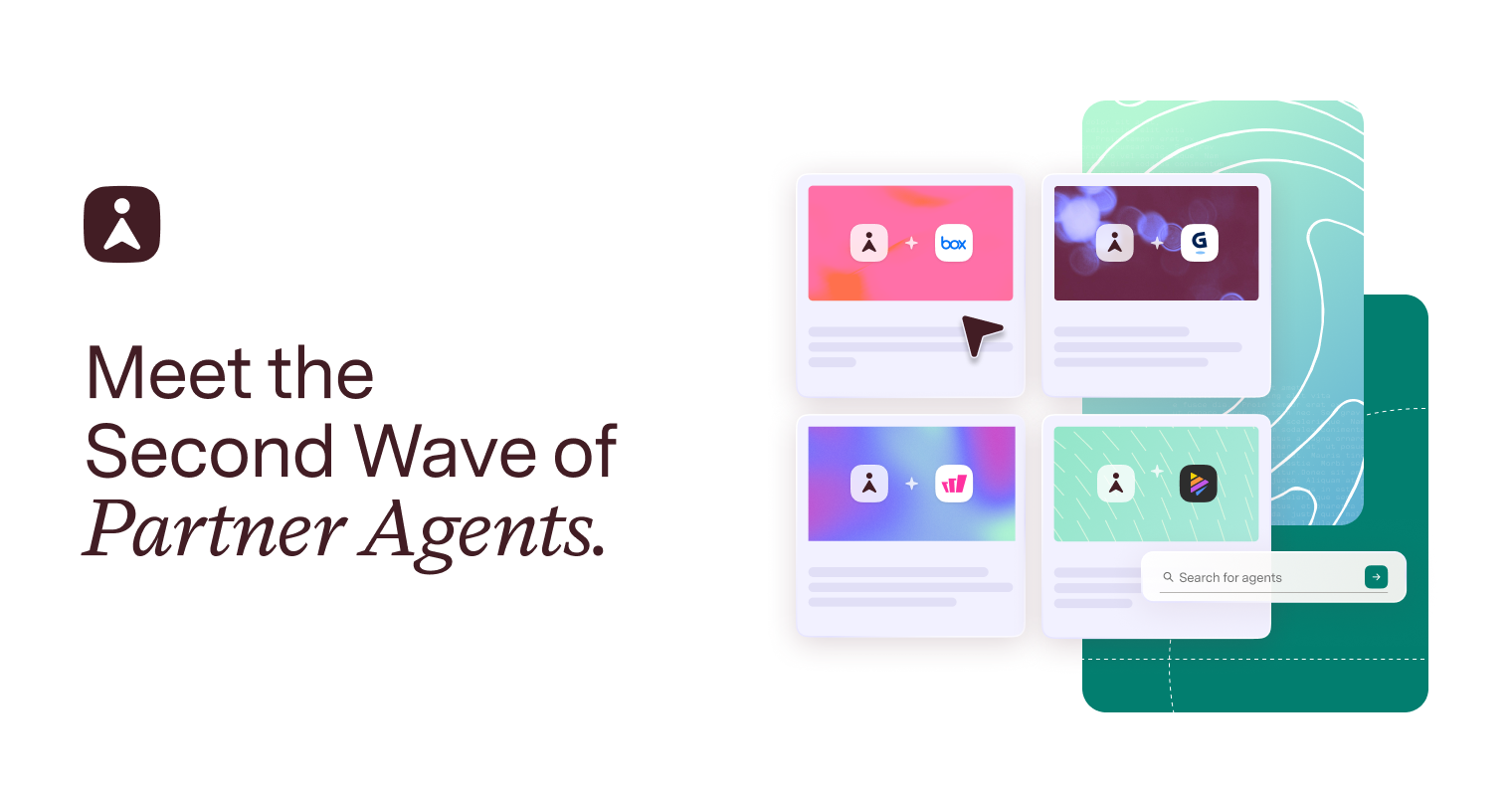
Partner Agents Bring Specialized AI Into Your Superhuman Workflow

Partner Agents Bring Specialized AI Into Your Superhuman Workflow

Work shouldn’t mean managing tools. It should mean moving ideas forward. That’s the principle behind Superhuman Go—an AI assistant that works everywhere you do. Go brings a team of AI collaborators directly into your workflow to help you brainstorm, find information, write, schedule, and act, all while
Superhuman to Acquire Rows to Strengthen Its All-in-One AI Workspace

Superhuman to Acquire Rows to Strengthen Its All-in-One AI Workspace

Today, we’re announcing that Superhuman has agreed to acquire Rows, which has built technology that connects spreadsheets directly to business tools and brings AI into everyday data workflows. We’re excited to welcome their team as we continue expanding Superhuman as an AI productivity platform for apps and agents.
Email header examples: What they are, why they matter, & how to use them

Email header examples: What they are, why they matter, & how to use them

Learn email header examples for business, including professional email header design, analysis tips, and templates to improve security and inbox organization.
How to communicate with dispersed teams: Critical strategies for success

How to communicate with dispersed teams: Critical strategies for success

Learn how to communicate with dispersed teams using proven strategies. Get actionable frameworks that boost productivity and engagement. Start today.
Your all-in-one AI toolkit
Work with the suite of apps and agents that help you focus, write with confidence, collaborate more effectively, and save hours every week.
Get Superhuman
How to zip a file with password: Step-by-step for Windows and Mac

How to zip a file with password: Step-by-step for Windows and Mac

Learn how to zip a file with password protection on Windows 11 and macOS. Step-by-step guide using 7-Zip and WinRAR with AES-256 encryption.
How do you create a group email in Gmail: The complete guide for 2026

How do you create a group email in Gmail: The complete guide for 2026

Learn how to create a group email in Gmail using contact labels. Steps for web, iPhone, and Android to email multiple recipients at once.
Gmail mass delete: The complete guide for 2026

Gmail mass delete: The complete guide for 2026

Learn how to mass delete Gmail emails fast. Master search operators, keyboard shortcuts, and bulk deletion to clean your inbox in minutes.
Communication and collaboration: The complete guide for modern teams

Communication and collaboration: The complete guide for modern teams

Master communication and collaboration to boost team productivity. Discover proven strategies, tools, and best practices for modern workplace teams.
Emails that don't require phone number: 12 best providers compared for 2026

Emails that don't require phone number: 12 best providers compared for 2026

The best emails that don't require phone number verification. Learn how to create secure, private email accounts with ProtonMail, Tuta, and more.
Gmail out of office template: How to set up auto-reply on desktop and mobile

Gmail out of office template: How to set up auto-reply on desktop and mobile

Learn how to create the perfect out of office template in Gmail. Step-by-step instructions for desktop and mobile, plus professional message examples.